
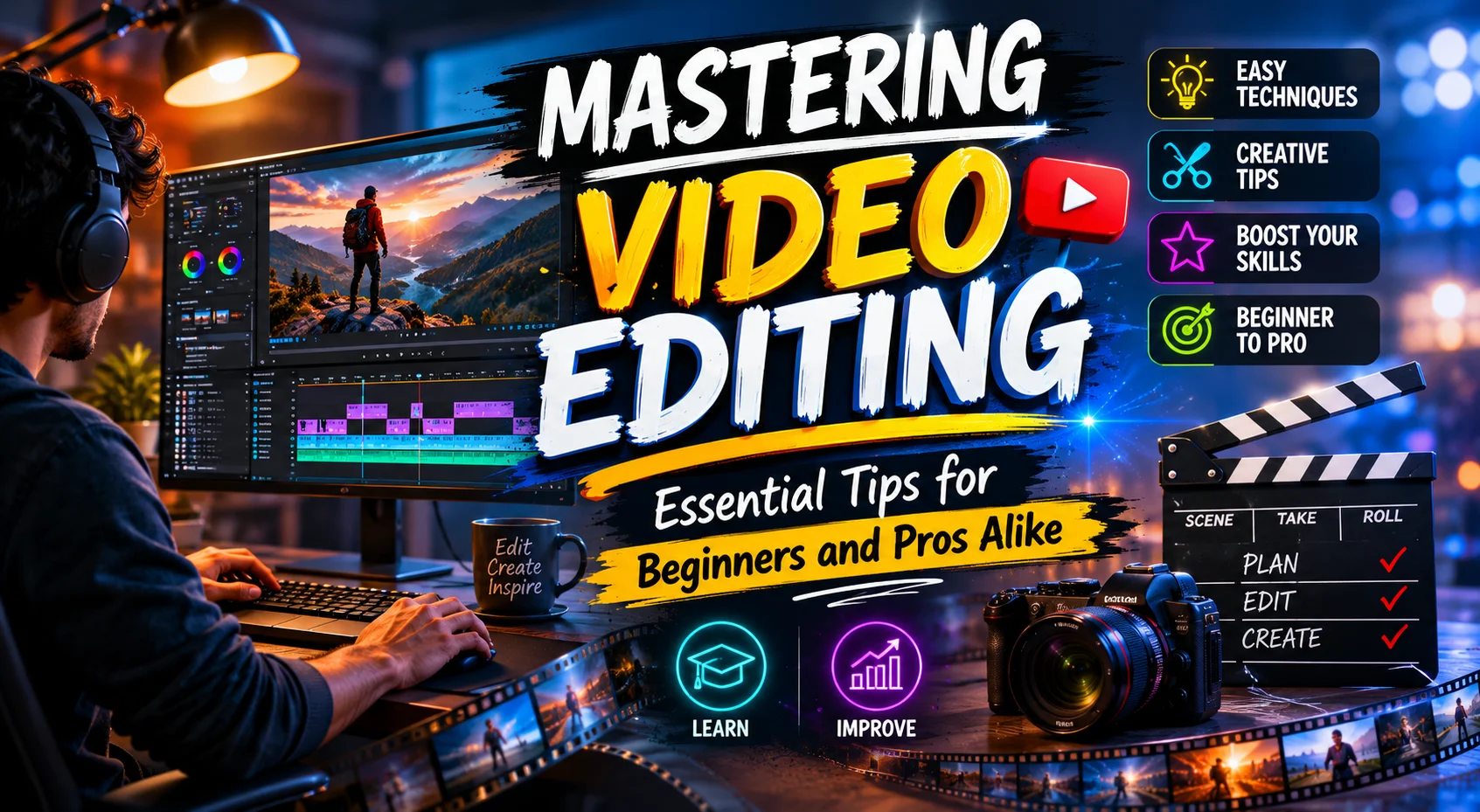
Video editing is a crucial skill in the digital age, transforming raw footage into compelling stories. Whether you’re an aspiring YouTuber, a social media influencer, or a professional video editor, honing your editing skills can significantly enhance your content’s impact. In this guide, we’ll explore actionable video editing tips that cater to both beginners and seasoned professionals, enabling you to edit videos like a pro.
Essential Video Editing Tips for Beginners
Choosing the Right Software
Selecting the appropriate video editing software is your first step. Options like Adobe Premiere Pro, Final Cut Pro, and DaVinci Resolve cater to different needs and budgets. For beginners, tools with intuitive interfaces such as iMovie or Filmora are excellent starting points. Evaluate your editing requirements and choose software that aligns with your project’s complexity.
Understanding Basic Editing Techniques
Mastering basic editing techniques, such as cutting, trimming, and arranging clips on the timeline, is foundational. Start by organizing your media files to streamline your workflow. Familiarize yourself with the software’s layout and practice using different tools to enhance your confidence and efficiency.
Advanced Video Editing Techniques
Color Correction and Grading
Color correction ensures that colors in your footage look natural and consistent. Once corrected, color grading adds stylistic elements, influencing the mood and tone of your video. Tools like DaVinci Resolve offer powerful color grading capabilities. Experiment with different color grading techniques to find a style that complements your narrative.
Using Transitions and Effects
Transitions and effects can elevate your video but should be used judiciously. Overuse can distract from your message. Subtle transitions can guide viewers smoothly from one scene to another, while effects can highlight key moments. Always ensure that these elements serve the story rather than overshadow it.
Tips for Efficient Workflow
Organizing Your Media Files
A well-organized media library saves time and reduces frustration. Use descriptive filenames and folders to categorize your clips, audio, and graphics. Consider creating a project template to maintain consistency across multiple projects.
Keyboard Shortcuts for Quick Editing
Learning keyboard shortcuts can significantly speed up your editing process. Most editing software allows you to customize shortcuts to suit your workflow. For instance, in Adobe Premiere Pro, shortcuts like “C” for cut and “V” for selection can enhance efficiency.
Common Mistakes and How to Avoid Them
Avoid common pitfalls such as relying too heavily on effects or neglecting audio quality. Poor audio can detract from even the most visually stunning videos. Invest time in audio editing, ensuring levels are balanced and background noise is minimized. Regularly review your edits to catch and correct mistakes early.
Recommended Tools and Resources
Software Comparisons
Choosing between software like Adobe Premiere Pro, Final Cut Pro, and DaVinci Resolve depends on your editing needs. For instance, Premiere Pro is renowned for its versatility across various video formats, while Final Cut Pro is favored by Mac users for its speed and performance.
Online Resources and Communities
Join online communities and forums to stay updated on the latest trends and techniques. Platforms like Reddit’s r/videoediting and Adobe’s community forums are invaluable for troubleshooting and advice. Additionally, websites like Lynda.com and YouTube offer countless tutorials for all skill levels.
Emerging Trends in Video Editing
AI and Machine Learning in Video Editing
AI tools are revolutionizing video editing by automating tasks such as scene detection and color matching. Software like Adobe Sensei leverages AI to enhance workflow efficiency. Explore these technologies to see how they can streamline your editing process.
New Software Features
Stay informed about the latest software updates, as these often include new features that can improve your editing capabilities. For example, recent updates in DaVinci Resolve have introduced advanced color grading tools that offer greater precision and control.
Conclusion and Final Thoughts
Video editing is both an art and a science, requiring creativity and technical skill. By mastering the fundamentals and staying abreast of new technologies, you can refine your editing prowess. Remember, practice is key, and each project is an opportunity to learn and grow. Whether you’re editing for social media, professional projects, or personal expression, these tips will help elevate your work. When your video is ready to publish, don’t overlook the thumbnail: you can compress video thumbnails, convert thumbnails to WebP, and resize images for YouTube with our free tools. Not sure which image format to use? Read our JPG vs PNG vs WebP guide.
Frequently Asked Questions
- What is the best software for video editing for beginners?For beginners, software like iMovie and Filmora are user-friendly and offer essential tools to get started with video editing.
- How can I improve my video editing skills?Practice regularly, watch tutorials, and seek feedback from peers. Joining online forums can also provide valuable insights and support.
- What are the common mistakes in video editing?Common mistakes include overusing transitions and effects, neglecting audio quality, and poor organization of media files. Focus on storytelling and maintain a clean workflow to avoid these pitfalls.
- How do I improve my editing speed without sacrificing quality?Utilize keyboard shortcuts, organize your media efficiently, and create project templates. These strategies can enhance speed while maintaining quality.
If you’re ready to enhance your video editing skills, start by experimenting with different techniques and tools. Remember, each project is a new opportunity to learn and refine your craft. Happy editing!

Pingback: Durostech: Complete Tech Help Guide for Beginners - DurosTechX
Pingback: Comprehensive Guide to Durostech Hardware - DurosTechX
Pingback: PS5 GPU Equivalent: Compare PS5 Graphics to PC GPUs